
Summarize any video
in seconds

Transcripts, summaries, highlights and answers. All with timestamps.

Video in a Chrome tab? Start using the Chrome extension

Used by researchers, students, and professionals worldwide.

Harvard
Stanford
University of Texas
Oxford University
University of Bath
UPC
Université de Lille
Université Claude Bernard Lyon 1
Nantes Université
Universidade de São Paulo
Universidade Estadual de Campinas
Universidade Federal do Rio de Janeiro
Harvard
Stanford
University of Texas
Oxford University
University of Bath

Your own recordings and videos: transcribed, summarized, searchable.

Add your own video and audio files as Private files, on a paid plan. Search your library by title or by what was said. Video files also get Deep Watch notes with pictures.

We're building Video Highlight
for

Video Highlight gives you a timestamped summary, a searchable transcript, and your own highlights and notes, each one a click from its place in the video.
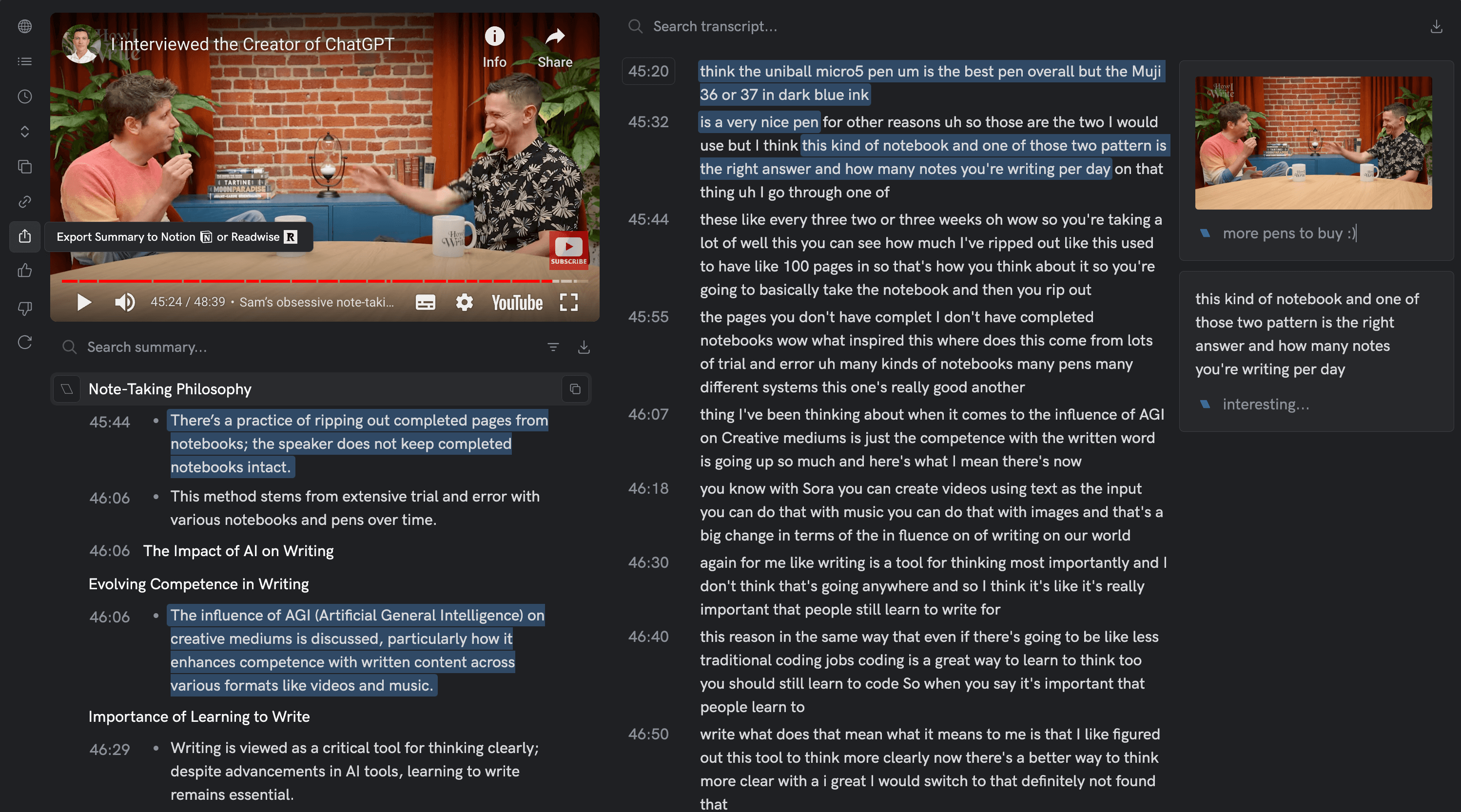
Explore transcripts, summaries, and bookmarks, all in one place.
Interactive Video Tools

Speed up your research

Every point has its time

Every point in the summary is time:stamped. Click one and the video is there.
More about the Summary

Chat with your video

Ask a question about the video and get an answer with the timestamps it came from.
More about Ask

Transcribe any video

Searchable transcripts in 37 languages, in step with playback.
More about transcripts
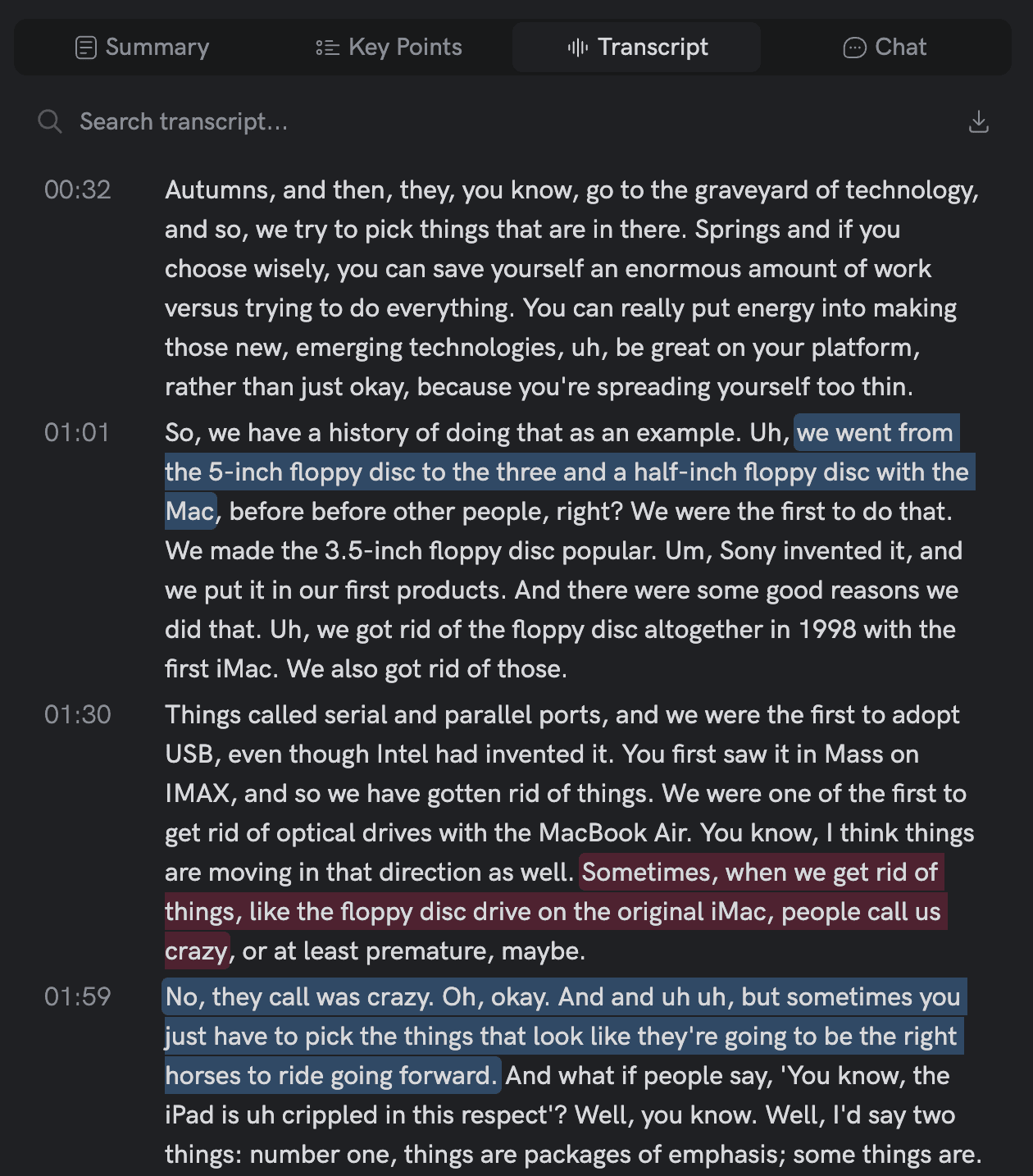
Transcribe Any Video

Highlight and take notes

Highlight a passage and leave a note, the way you would in a document. Every highlight keeps its timestamp.
More about highlights
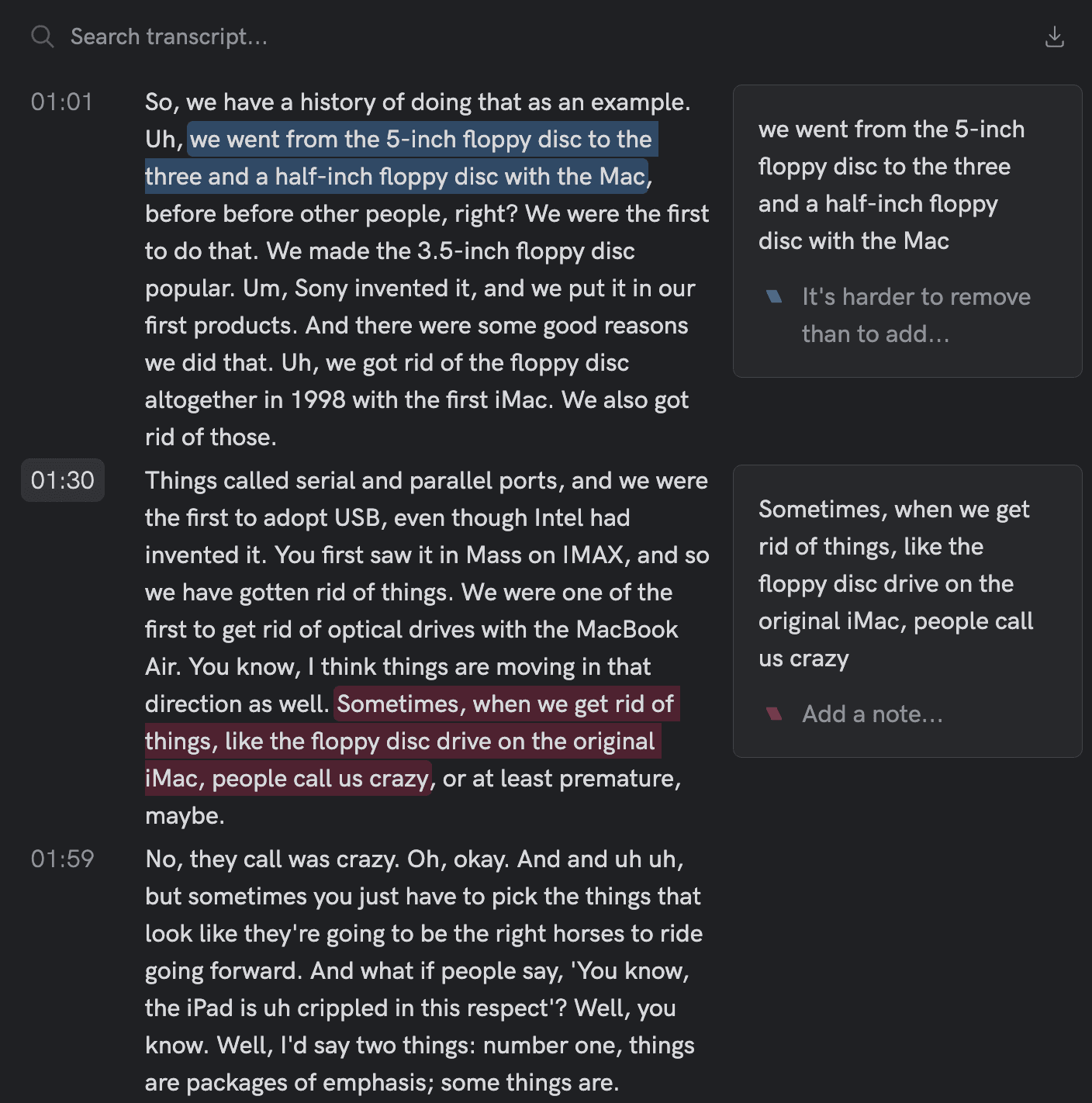
Highlight and Take Notes
Workflow

Works with your tools

YouTube playlists and channels

Import the latest 25 videos of a playlist or channel in one step.
More about playlists
Import YouTube Playlists

Notion integration

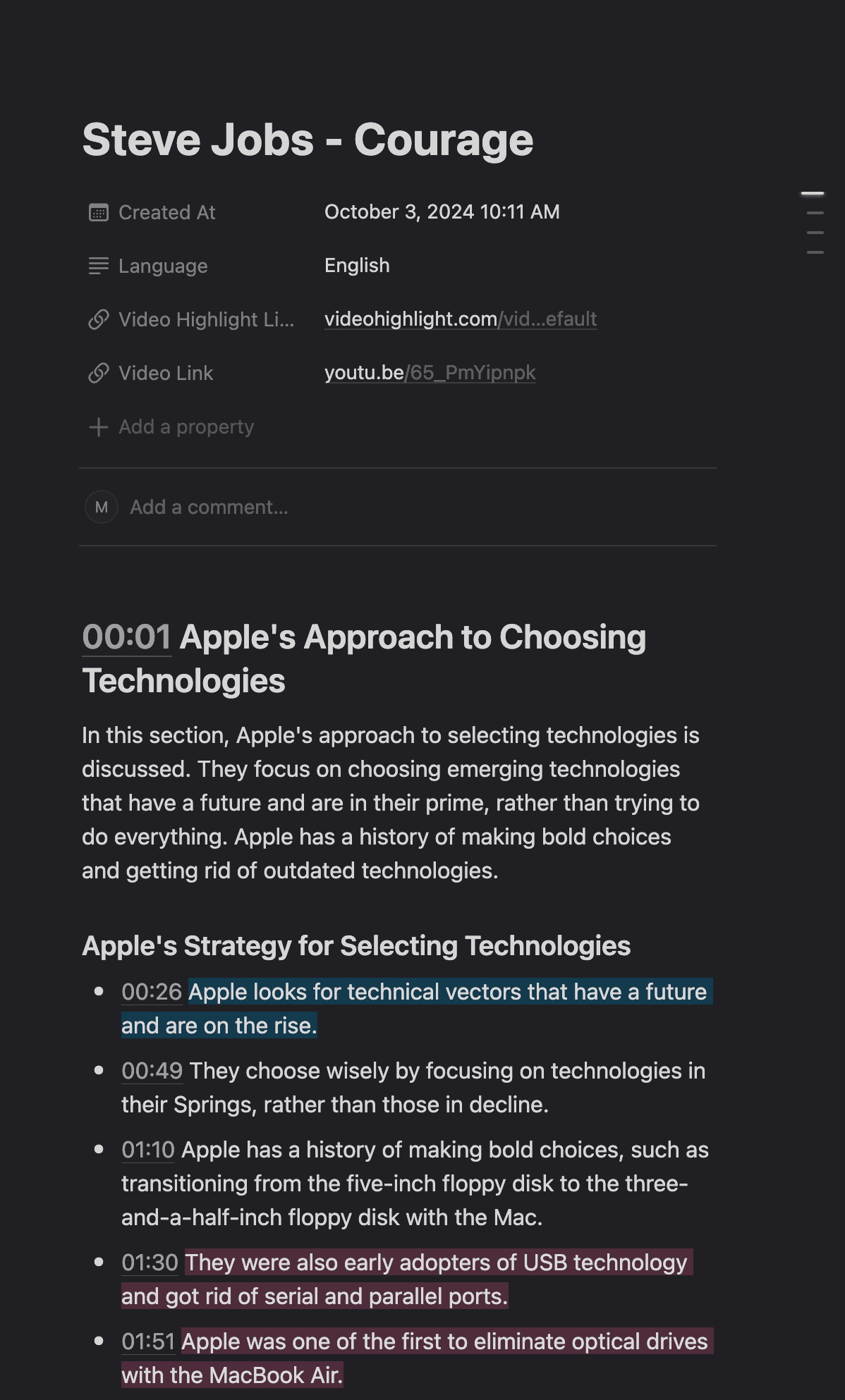
Send a Summary to Notion, on paid plans.
More about export
Notion Export
At a glance

What you get

Notes with pictures

Deep Watch watches the whole video for you and keeps the key points with pictures of the screen. On paid plans.

Read first, watch second

Read the summary first, then watch only the parts of the video that earn it.

Highlights and notes

Highlight what matters and annotate it, with a timestamp kept on every note.

37 languages

Transcripts in 37 languages, and summaries in the language you choose.

Built for research

Search your library by title or by what was said, and ask questions of a video. Each answer comes with its times.

Highlights with pictures

Press H to save a highlight. With the Chrome extension, or on your own files, it keeps a picture of the screen.

Export

Send a Summary to Notion on paid plans, or export summaries and transcripts as files.

Hours of video. Minutes of reading.

Researchers, professionals, and creators use it on YouTube videos and on their own recordings

AI Video Summarizer & Transcription | Summarize, Transcribe, Search Any Video | Video Highlight